
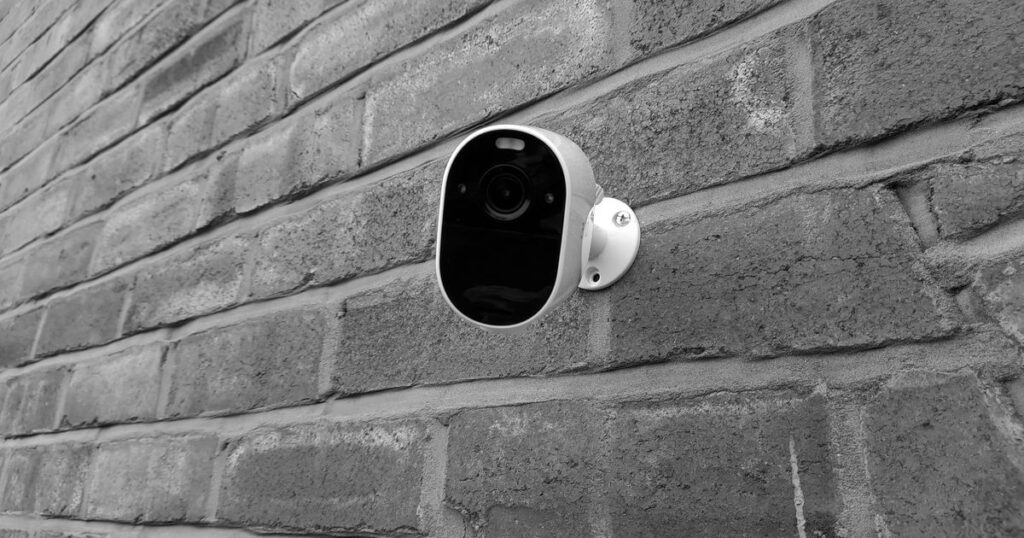
Airbnb does not allow a security camera or recording device to monitor any indoor part of a home, even when the device is off, disconnected, or disclosed. That rule took effect on April 30, 2024. Exterior cameras and genuine noise decibel monitors can still be allowed when they meet placement and disclosure rules. Reported violations can lead to listing or account removal, according to Airbnb’s restrictions on security cameras and other devices in homes and Airbnb’s security-camera policy announcement.
Airbnb camera rules at a glance: what is allowed?
The fastest way to audit a setup is to classify each device by what it captures and where it points. Airbnb’s starting rule is direct: “We do not allow hosts to have security cameras or recording devices that monitor indoor spaces in homes, even if these devices are turned off.” That wording comes from Airbnb’s restrictions on security cameras and other devices in homes.
| Device or setup | Airbnb rule | Vrbo difference | Host action |
|---|---|---|---|
| Indoor camera or recorder | Not allowed in homes | Not allowed inside a vacation rental | Remove it |
| Unplugged indoor camera | Still not allowed | An indoor surveillance device is still not allowed | Remove it, not just its power |
| Hidden camera | Strictly prohibited | Hidden or disguised devices are never allowed | Do not install or retain it |
| Exterior or doorbell camera | Conditionally allowed with proper placement and disclosure | Limited to access-point monitoring, with added disclosure rules | Check its full field of view and disclose it |
| Decibel-only monitor | Conditionally allowed indoors when disclosed and kept out of protected rooms | Must be disclosed before booking and cannot record or transmit audio | Confirm its actual data output |
| Ordinary smart device | Allowed; disclosure and an off option are encouraged | Must be disclosed before booking, and the guest needs an off option | Check capabilities and platform settings |
Worked example: Say a setup has 5 devices: an indoor camera, an indoor baby monitor, a doorbell camera, a driveway camera, and a thermostat. Remove 2 indoor recording devices, disclose 2 exterior cameras, and check 1 thermostat under the smart-device rule: 2 + 2 + 1 = 5 decisions. If this is part of a new-property setup, use how to start an Airbnb for the broader steps and review the camera descriptions against these Airbnb listing tips.
What counts as a security camera or recording device?
Airbnb classifies a device by its capability, not by the label on the box. Its definition says: “Security cameras and recording devices are any device that records or transmits video, images, or audio such as a baby monitor, or doorbell camera.” The source is Airbnb’s restrictions on security cameras and other devices in homes. A baby monitor with a camera can therefore be covered even if it was bought for another purpose.
A smart lock, thermostat, voice assistant, or connected display is not automatically a prohibited recording device. Check what the exact model records or transmits, whether a microphone or camera is enabled, and whether its function changes after a firmware update. Airbnb allows smart home devices and encourages disclosure plus an option for guests to disable them; Vrbo makes pre-booking disclosure and a guest off option part of its Surveillance Devices Policy. For a closer look at one noise-monitor category, my Minut review is a product review, not a substitute for checking the configuration against current policy.
Worked example: In a group of 3 indoor devices, a camera-equipped baby monitor must be removed, a voice assistant should be checked for audio functions and the applicable smart-device rule, and a thermostat without recording capability can be treated as a smart device. That is 1 removal + 1 capability check + 1 smart-device review = 3 decisions, not one connected-device answer. Add the result to the equipment portion of how to start an Airbnb.
Are indoor cameras allowed if they are off, disclosed, or in a shared space?
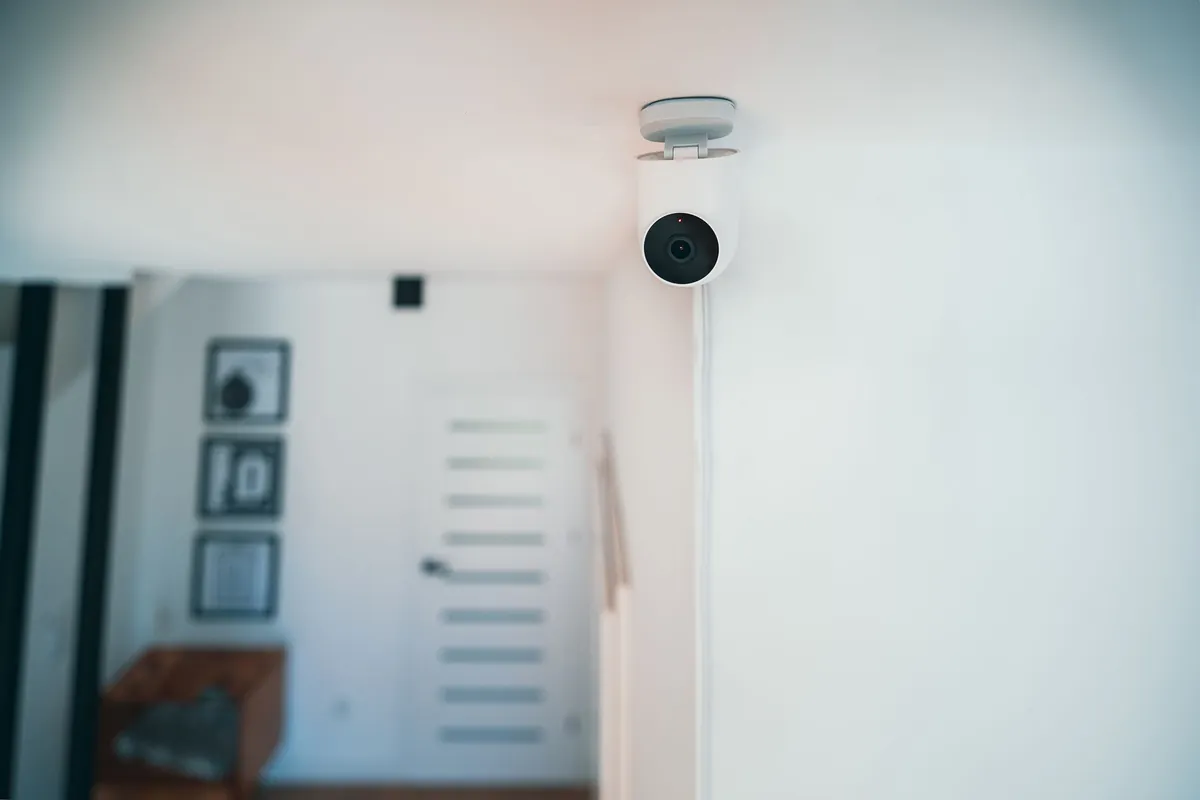
No. Turning a camera off, disconnecting it, disclosing it before booking, or placing it in a common room does not make an indoor home camera acceptable on Airbnb. The policy states: “Hosts are not allowed to have security cameras and recording devices that monitor any part of a home’s interior, such as the hallway, bedroom, bathroom, living room, or guest house, even if they’re turned off or disconnected. These prohibitions also apply to the common areas and shared spaces of private room listings (ex: a living room).” See Airbnb’s restrictions on security cameras and other devices in homes.
Older advice can be wrong because Airbnb previously allowed disclosed cameras in some common areas. Airbnb’s security-camera policy announcement explains that the revised rule took effect on April 30, 2024, and applies regardless of an indoor camera’s location, purpose, or prior disclosure. A pre-ban listing description is not evidence that the current setup complies.
Worked example: A host lives in the home and rents 1 private room. An unplugged camera remains on a living-room shelf. That is 1 camera in 1 shared indoor space, which still equals 1 prohibited setup under the rule; the practical action is to remove the camera from the home.
Narrow exception: Airbnb identifies a special case for certain homes in Japan with a Hotel Business License where applicable law may require a camera at the interior entryway. The exception has limits on placement, disclosure, and audio in Airbnb’s restrictions on security cameras and other devices in homes; it is not a general workaround for homes elsewhere.
Where can exterior cameras point—and where can’t they?
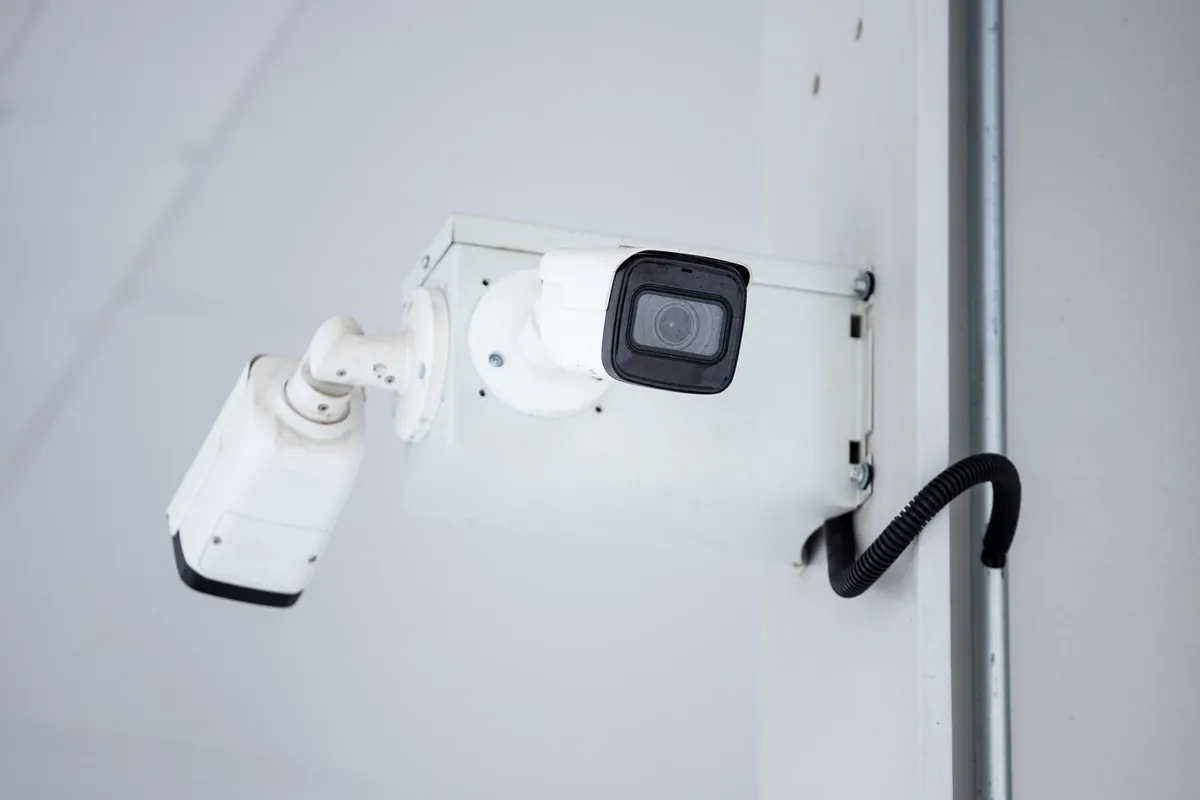
Airbnb allows exterior cameras such as a front-yard, patio, pool, or doorbell camera when the host controls the device, discloses its location, and keeps it away from areas where guests have a greater expectation of privacy. Its stated prohibited examples are the inside of an enclosed outdoor shower and a sauna. The placement and disclosure rules appear in Airbnb’s restrictions on security cameras and other devices in homes and Airbnb’s page on informing guests about security devices.
Check the image, not merely the mounting point. A camera with a driveway label can still monitor an interior if its wide-angle view includes a bedroom window. A building hallway may be acceptable when the camera is under the host’s control and disclosed, but that does not authorize an outside-in view. I also would not turn Airbnb’s enclosed-shower and sauna examples into a claim that every hot-tub view is expressly banned. Assess the privacy angle and local law; the separate Vrbo hot-tub rule appears below.
Worked example: A home has 2 exterior cameras. The driveway camera sees the parking area and entry, so 1 can remain after disclosure. The backyard camera sees through a bedroom window, so 1 must be re-angled or removed until its complete day and night view stays outside: 1 + 1 = 2 placement decisions. Cameras are only one layer; guest screening tools for Airbnb hosts cover preventive checks that do not depend on recording a stay.
How to disclose an exterior camera in your Airbnb listing
On desktop, follow Airbnb’s current path: Listings → select the listing → Listing editor → Your space → Guest safety → Safety devices → Exterior security camera present. Describe each device, its location, and whether it will be switched on or off, then select Continue and Save. These steps come from Airbnb’s page on informing guests about security devices.
Use a concrete description, not a legal-sounding template. A useful pattern is: Doorbell camera above the front door; monitors the porch and walkway; on during stays. A description added after booking does not cure a prohibited indoor device. It also should not hide the field of view behind vague wording such as cameras on property. Review this alongside the accuracy principles in Airbnb listing tips: the description should match what a guest encounters.
Worked example: If the property has 2 exterior cameras, write 2 specific descriptions: 1 for the doorbell camera covering the porch and walkway + 1 for the driveway camera covering the parking pad = 2 descriptions. Do not compress both into 1 vague sentence. Airbnb’s page on informing guests about security devices requires hosts to disclose the location of exterior security cameras.
Noise decibel monitor vs. audio recorder: the line that matters
A genuine noise decibel monitor measures level and duration without capturing the sound itself. Airbnb’s definition is exact: “Noise decibel monitors are devices that assess sound levels and their duration but do not record audio.” See Airbnb’s restrictions on security cameras and other devices in homes. Airbnb permits these monitors indoors when their presence is disclosed and they are not in a bedroom, bathroom, or sleeping area; it does not require the exact location to be disclosed.
Vrbo also permits a decibel monitor only within defined limits. Its policy says: “Noise decibel monitors for volume levels in vacation rentals may be used if they (1) are disclosed in the listing before a guest books and (2) they do not record or transmit any audio.” That quotation comes from Vrbo’s Surveillance Devices Policy. Check the model, settings, and output instead of assuming the product category settles the question. My Minut review can help with a product-level assessment, but no brand name makes every configuration compliant.
Worked example: A log containing 4 consecutive 5-minute intervals of elevated sound gives 4 × 5 = 20 minutes of level-and-duration data. A 20-minute clip of a guest conversation is audio recording, not decibel-only monitoring. I would disable recording or transmission features rather than invent a decibel threshold without a local ordinance or other authoritative source.
Airbnb vs. Vrbo camera rules: the differences cross-listed hosts must keep
| Issue | Airbnb | Vrbo |
|---|---|---|
| Inside the rental home | No cameras or recording devices monitoring interior spaces | No surveillance devices inside and no outside-in monitoring |
| Outdoor placement | Exterior cameras can be allowed outside higher-privacy areas | Outdoor cameras may monitor property access points |
| Listing disclosure | Disclose each exterior device and its location | Disclose location and coverage area; a photo is insufficient |
| Pool or hot tub in view | Apply Airbnb’s privacy rule, disclosure rule, and applicable law | Disclose in the listing and visibly at the property |
| Smart devices | Allowed; disclosure and a guest off option are encouraged | Disclose before booking and provide an off option |
| Stored recordings | Follow the platform rule and applicable law | Limit collection, storage, and access; delete recordings when no longer needed under applicable law |
Vrbo is more specific about several operating details. Its policy says: “The location and coverage area of the camera is clearly disclosed in the property listing. Showing the camera in a photo of the property is not enough.” The same Vrbo Surveillance Devices Policy limits outdoor security cameras to access points and requires both listing disclosure and visible property disclosure when any part of a pool or hot tub is in view. For the wider channel decision, see Airbnb vs. Vrbo for hosts.
Worked example: Suppose 1 camera above a pool gate also sees part of a hot tub. On Airbnb, review its privacy implications, full view, disclosure, and local law. On Vrbo, 1 camera × 2 disclosure locations = 2 required notices: one in the property listing and one visibly at the property. A camera photo alone does not replace either description.
A 10-minute camera and smart-device audit before the next booking
- Walk every indoor room and note anything with a lens or microphone.
- Identify whether each device records or transmits video, images, or audio.
- Physically remove prohibited indoor devices rather than merely unplugging them.
- Inspect every exterior field of view in daylight and darkness, including windows and private outdoor areas.
- Disable unnecessary audio functions.
- Update Airbnb and Vrbo disclosures separately.
- Save dated screenshots of the listing disclosures for your own records.
- Repeat the audit after a firmware update, replacement device, or changed mounting angle.
Worked example: Give an older alarm bundle 5 checks at 2 minutes each: inspect the indoor keypad’s camera module, confirm the doorbell sees only the entry, test whether the exterior camera sees through a window, disable unused audio, and decide whether a voice assistant should be unplugged. The time budget is 5 × 2 = 10 minutes, and the sequence can turn one bundled security system into several different policy decisions.
I would also add camera-free preventive layers. Guest screening tools for Airbnb hosts can help evaluate a booking before arrival, while how to start an Airbnb puts the device audit in the larger launch sequence. Neither removes the need to check current platform rules. This checklist is operational guidance, not a guarantee of legal compliance.
Platform rules and local recording laws are two separate tests
Platform permission does not remove the requirement to comply with applicable laws. Airbnb says allowed devices must comply with applicable laws in Airbnb’s restrictions on security cameras and other devices in homes. Vrbo likewise requires hosts and guests to comply with applicable laws in its Surveillance Devices Policy.
Use a 2-layer review: first, check the current Airbnb or Vrbo policy for the device, location, field of view, and disclosure; second, check an official state or local privacy or wiretapping authority, your regulator or licensing office, your building rules, or qualified local counsel. Do not copy a consent rule from another jurisdiction. Cross-listed hosts should also keep the platform differences in Airbnb vs. Vrbo for hosts separate from the local-law question.
Worked example: A single exterior doorbell camera may pass the platform placement and listing-disclosure review, yet its audio setting still needs a separate local-law check. That is 1 device × 2 tests = 2 decisions: whether the camera may be there under the booking platform’s rules and whether its audio function is lawful where the property is located.
About this article: I am Kent Morgan, and I use official platform sources first for operational policy questions. I re-check the links above immediately before publication and recommend that hosts do the same before changing a device setup.