
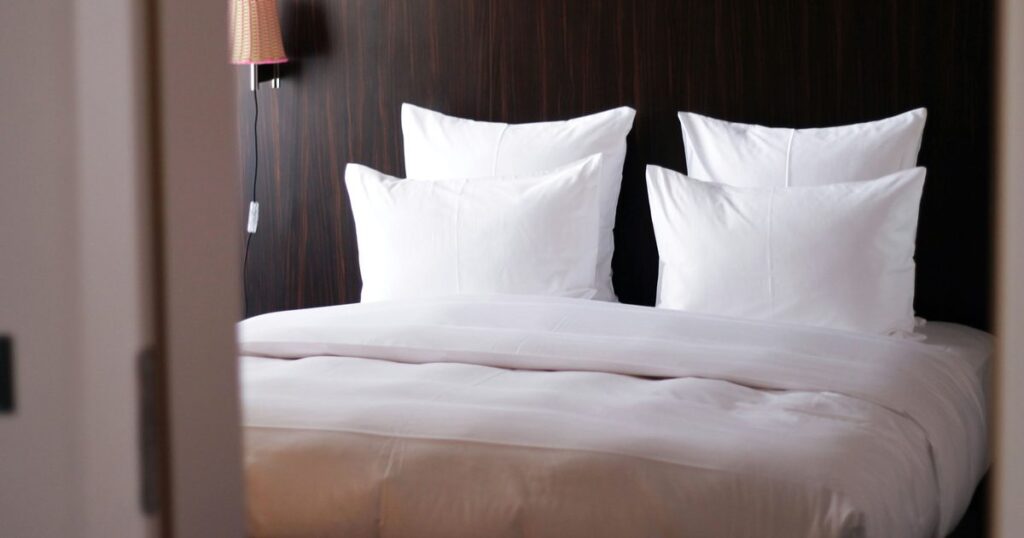
An Airbnb cleaning checklist runs seven steps in a fixed order: inspect and photograph anything broken, start the laundry, clean each room from the top down, disinfect the touchpoints, do the floors last, restock to a counted minimum, then walk back in through the front door and look at the place the way the next guest will. Those seven are the order the work happens in. They are not the six-line short list further down this page, which names the six outcomes a turnover has to reach before it counts as finished: one list fixes the sequence, the other checks the result. The room-by-room version is below, written so you can copy it into a task or print it for the cleaner.
I work on the product side at BnBGenius, so the boundary before the advice: after a checkout we open a cleaning or repair task from what the guest reported, Telegram pings me so I can approve it or reassign it from chat, and the task carries what the guest reported into the next turnover. A checklist is a document, not software. It does not sync calendars, it is not a channel manager, and it cannot tell a cleaner that tonight’s arrival moved to 2 p.m. Those are separate jobs. This page is about the one a written standard actually solves: what “finished” means, and how the host knows it happened.
What Should Be on an Airbnb Cleaning Checklist?
An Airbnb cleaning checklist should cover laundry, every room, high-touch surfaces, restocking, floors and a final inspection before each check-in, with copyable tasks for the kitchen, bathrooms, bedrooms, living areas, the entry and the final reset. Six lines carry most of the weight: six outcomes to reach, not the seven-step order the top of this page sets. If you copy nothing else off this page, copy these.
The six-line Airbnb cleaning list
- Replace linens and towels. Strip every used bed, inspect the bedding for stains and damage, remake with fresh linen, remove all used towels and bathmats, and set out fresh towel sets in their standard positions.
- Clean the kitchen and bathroom surfaces. Counters, sink, taps, appliance fronts, the cooking surface, the microwave inside and out, the shower or bath, the mirror and the toilet inside, outside and at the base.
- Remove hair and rubbish. Shower floor and drain, bathroom floor edges, bedding, upholstery seams, under the beds, inside every bin, and the drawers a previous guest opened.
- Disinfect the touchpoints. Door handles inside and out, light switches, remotes, thermostat and air-conditioning controls, taps, the lockbox or keypad, kettle and fridge handles.
- Restock the consumables. Refill bathroom, kitchen and guest supplies to a written minimum, not to “looks about right”.
- Do the final guest-eye inspection. Walk in through the guest entrance, check every room against the listing photos, remove the cleaning equipment from view and send the completion photographs.
Each line names an outcome rather than a single action, which is why six of them can stand in for a page of tasks. “Replace linens and towels” contains stripping, inspecting, remaking and staging. “Remove hair and rubbish” sends the cleaner past the bins to the places a guest looks first: the shower floor, the edge of the mattress, the gap between sofa cushions. “Final guest-eye inspection” asks the cleaner to stop seeing a worksite for 3 minutes and see an arrival.
What the six lines do not carry is everything specific to one property: the address, the access method, which of the 2 near-identical bottles under the sink is approved for a stone counter, what to do with a watch left on a nightstand. That belongs in the cleaner brief further down the page, and the short list sits at the end of it as the final check rather than circulating on its own.
Why the laundry starts before anything else
Gwen runs 2 units in Tulsa, a two-bedroom house that sleeps 4 and a one-bedroom apartment, both listed on Airbnb and VRBO. Checkout is 11 a.m. and check-in is 4 p.m., so the house gets a 5-hour window with 2 beds to strip. Her washer runs 55 minutes and her dryer 70, and each holds one bed’s linen at a time.
Laundry first: load 1 goes in at 11:15 and is out of the washer at 12:10, out of the dryer at 13:20. Load 2 washes from 12:10 to 13:05, waits 15 minutes for the dryer, and leaves it at 14:30. Bed-making takes 15 minutes, so both beds are done at 14:45 and there are 75 minutes of slack before the guest is allowed in.
Kitchen first, laundry at 12:30: the start moves 75 minutes, and so does everything after it. Load 1 clears the dryer at 14:35, load 2 waits the same 15 minutes and comes out at 15:45, and the same 15 minutes of bed-making finishes the second bed at 16:00 — check-in time, with nothing left over. Same cleaner, same tasks, the same 15-minute dryer queue, 75 minutes of difference, all of it created by the order of two lines on a list. That is the whole argument for writing the sequence down instead of assuming a good cleaner will find it.
One master list, one property sheet
Keep 2 documents, not 1. The master list is your general standard and barely changes. The property sheet records what only that address knows: the cupboard the spare linen lives in, the scuff on the hallway wall that has been there since 2 guests ago, the radiator that clanks, the window that needs the handle lifted before it locks. Without the second document a stand-in cleaner reports a known quirk as an emergency, or misses the one thing that really is new.
The property sheet is also where cleaning stops and other work starts. A cleaner can wipe a dripping tap; wiping does not fix it. The line should tell them to photograph it and report it, which is the beginning of a different process — maintenance tracking for short-term rentals covers where that report goes. The same applies to timing: a cleaning document cannot tell anyone that a booking moved, so sharing the booking dates with your cleaner and running a cleaning team without text chains handle the handoff a checklist never will.
One test for every line you write: could 2 people disagree about whether it was done? “Clean the bathroom” fails it. “Remove hair from the shower and the floor edges, clean the toilet inside, outside and at the base, wipe the mirror without streaks, hang 4 fresh towels, refill the soap and photograph the finished room” passes. Every list below is written that way.
What Should an Airbnb House Cleaning Checklist Cover, Room by Room?
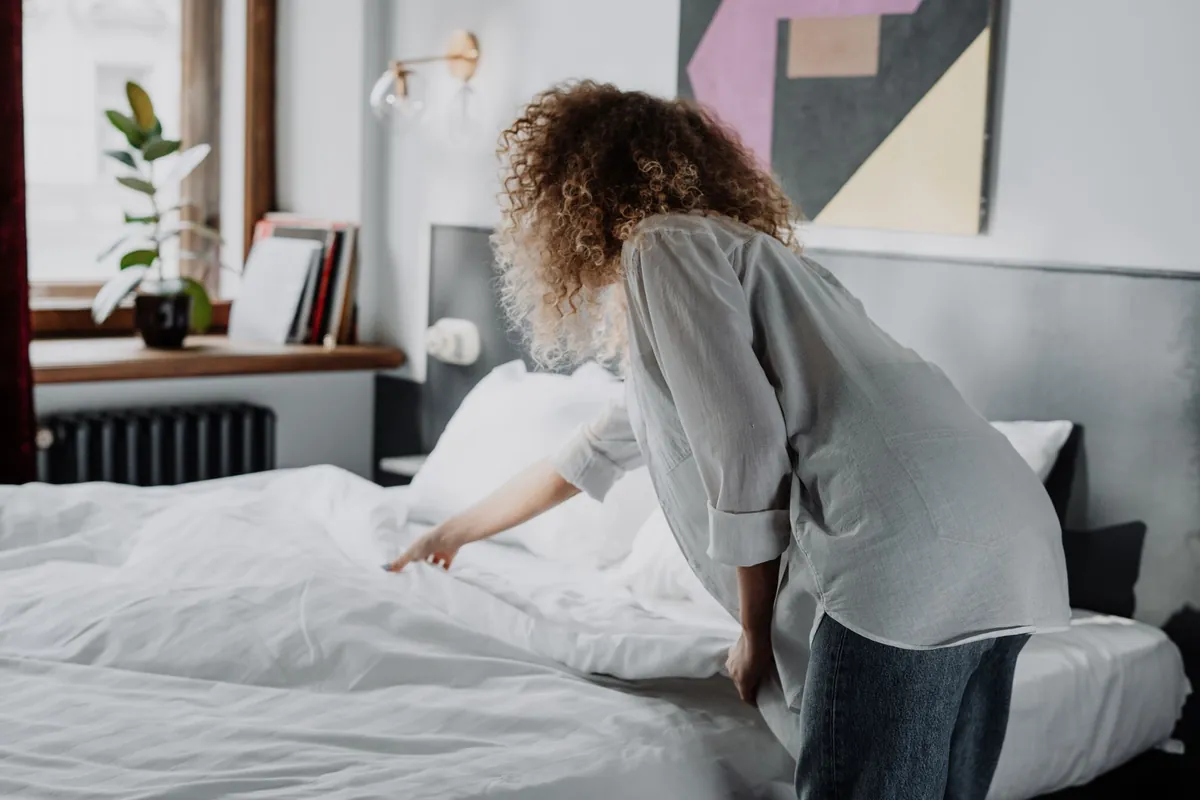
Use one sequence in every room: inspect for damage, start the laundry first, clean from the top down, sanitize the touchpoints, clean the floors last, restock the supplies, and stage the room to match the listing photos. Break the order and you pay for it twice — wipe the counters after mopping and the crumbs land on a floor you already finished, so 1 of those 2 jobs gets done again.
The first ten minutes, before anything is touched
- Enter by the designated cleaner access method and confirm the property is empty.
- Walk through every room before moving any belongings or rubbish.
- Photograph damage, unusual stains, missing items and anything that needs the host’s decision.
- Collect lost property and put it in the designated holding place.
- Check for open windows, running taps, unusual smells and visible maintenance faults.
- Gather rubbish and recycling, without binning anything that might be a guest’s.
Nothing goes into a bin bag until that walkthrough is finished. A phone charger swept into the rubbish costs a message thread, a replacement and a review; the 10 minutes spent looking first are the cheapest 10 minutes in the turnover.
Laundry and linens
- Strip the used bed linen and collect the used towels.
- Inspect sheets, pillowcases, duvet covers, mattress protectors and towels for stains and damage.
- Start the first load before any detailed room cleaning begins.
- Put fresh linen on every used bed, including a bed that only looks slept in.
- Replace every used towel, bathmat and kitchen cloth.
- Return the spare stock to its labelled shelf and note what is left.
Entry and approach
- Clear rubbish, leaves and debris from the immediate entrance.
- Wipe the outside and inside door handles.
- Clean fingerprints from glass doors and the windows beside them.
- Shake out or vacuum the entrance mat.
- Confirm the entrance light and the access device work.
- Return outdoor furniture and entry decorations to their standard positions.
- Look back from the doorway and judge the guest’s first view.
The entrance is also where the final inspection starts. When the clean is supposedly done, step outside, close the door and come back in the way a guest arrives at 4 p.m. with a suitcase. That single move catches the bin left beside the door, the mop standing in the hall, the crooked mat and the smell of the cleaning product you stopped noticing an hour ago.
Kitchen
- Remove guest food according to the host’s written policy.
- Check the fridge, freezer, oven, microwave, cupboards and drawers for forgotten items.
- Wash the remaining dishes or run the dishwasher, then put everything away.
- Clean the counters, splashback, sink, taps, appliance fronts and the cooking surface.
- Clean the microwave inside and outside.
- Remove crumbs and residue from the small appliances, including under the kettle and the toaster tray.
- Wipe cupboard handles, switches, controls and the bin lid.
- Empty the rubbish and recycling and fit fresh liners.
- Restock coffee, washing-up and dishwasher supplies, paper products and bin liners to the written minimum.
- Sweep and mop once the higher surfaces are finished.
“Looks stocked” is not a standard, because the cleaner and the host are looking at different things. Write a number for each consumable: Gwen’s kitchen sheet asks for 3 unused bin liners left in the drawer at the end of every turnover. The cleaner counts to 3 instead of guessing, and a shortage becomes visible 1 turnover before it becomes a guest’s problem.
Bathrooms
- Remove used towels and bathmats before starting.
- Clear hair from the shower, bath, sink, toilet area and floor edges.
- Clean the toilet bowl, seat, lid, exterior, base and the floor around it.
- Clean the shower or bath, the fittings, screen, ledges and visible grout.
- Wipe the mirror without leaving streaks.
- Clean the basin, counter, taps, dispensers and cupboard handles.
- Empty the bin and replace the liner.
- Refill toilet paper and toiletries to the written minimum.
- Hang or fold fresh towels in the standard arrangement.
- Mop last, including the corners and the strip behind the door.
Check a bathroom from 2 heights. Standing in the doorway you see the mirror and the towels; crouching for 5 seconds near the floor you see hair along the skirting, dust behind the door, the mark at the base of the toilet and the residue under a floating vanity. The second look takes almost no time and it is the one that decides whether a review mentions cleanliness.
Bedrooms
- Inspect the mattress protector and the bedding before remaking the bed.
- Put on fresh sheets, pillowcases and any other required bed linen.
- Check under the pillows, under the bed, inside the bedside furniture and in the accessible drawers.
- Dust the headboard, lamps, tables, shelves, frames and decorative objects.
- Wipe switches, handles, controls and the other touchpoints.
- Clean the mirrors and glass.
- Vacuum under the accessible furniture and along the room edges.
- Make the bed and arrange the cushions and throws to match the listing photos.
- Confirm the storage meant for guests is empty and clean.
Staging is not a substitute for cleaning, but it is what makes the finish checkable. If the listing photo shows 2 sleeping pillows squared at the head of the bed and a throw folded at the foot, the completion photograph should show the same 2 pillows in the same place. The host is then comparing 2 images, not interpreting the phrase “make it look nice” — see listing presentation tips for what those photos should be showing in the first place.
Living and dining areas
- Check under and between the cushions for rubbish, crumbs and lost property.
- Vacuum the upholstery when it needs it.
- Dust tables, shelves, lamps, frames, electronics and decorations.
- Wipe remotes, controls, switches, handles and the furniture edges people grab.
- Clean marks from walls, doors and glass where the surface allows it.
- Return the furniture and the decorative objects to their standard layout.
- Inspect the dining chairs and the underside and edges of the table.
- Vacuum the rugs before finishing the hard floors.
Laundry room, utility and storage
- Remove lint and visible residue from the washer and dryer.
- Put the cleaning tools away dry, in their assigned places.
- Keep guest supplies separate from cleaner supplies.
- Count the linen and consumable reserves against the property minimums.
- Report leaks, unusual noise from the machines, damaged tools and low stock.
- Leave access panels, electrical equipment and shutoff valves unobstructed.
The room lists end with 1 whole-house pass, not 6 separate room completions. A finished kitchen does not cancel a used towel in a bedroom, and a made bed does not cancel a leak under the sink. If you are not in the building yourself, that final pass is the only thing standing between you and a guest’s first message — managing several units remotely goes into why the verification has to be property-level.
What Should Be on an Airbnb Cleaner Checklist?
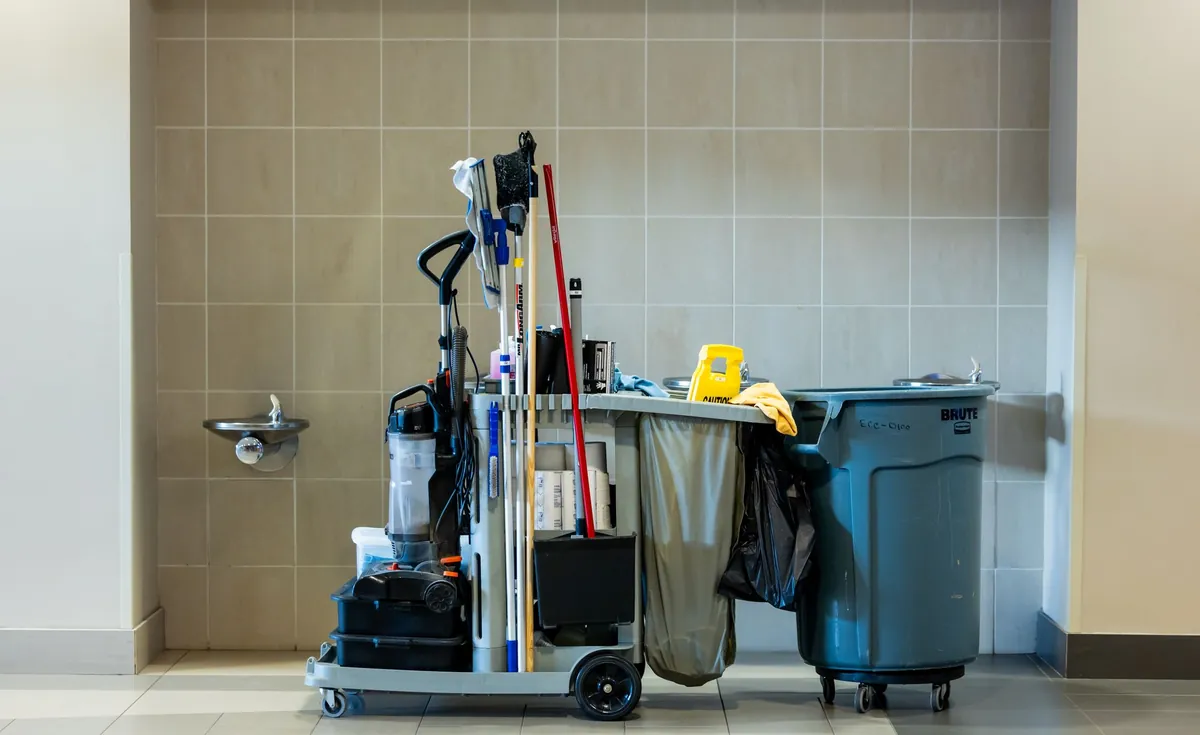
An Airbnb cleaner checklist should include the access instructions, the supply locations, the room-by-room tasks, the minimum stock levels, the lost-item and damage procedures, an emergency contact and the completion photos required before the cleaner marks the turnover finished. The room lists above tell somebody what to clean. This document tells them how to work in a property nobody has shown them around.
Gwen’s regular cleaner was away for 9 days in the spring and a stand-in covered 4 turnovers. On the first one she found 3 things the room lists do not answer: a cracked lamp base, a watch on the bedside table and a toilet-paper reserve down to its last roll. A complete brief answers all 3 — photograph the lamp and do not touch it, put the watch in the labelled box in the hall cupboard, restock from the shelf above the washer and report the shortage. Without it, a stranger in someone else’s house has to guess 3 times in her first hour.
Access and arrival
- Property address and unit identifier.
- Which entrance the cleaner uses and how it opens.
- Parking, loading, building and reception instructions.
- The earliest permitted entry and the time the turnover must be finished.
- What to do if a guest is still in the property.
- What to do if the access method fails.
- A contact for urgent access problems, with a second name if the first does not answer.
Keep the codes out of the shared document. They belong in the assignment or the message for that specific turnover, and the checklist only says where to find the current one. A door code printed on a sheet taped inside the kitchen cupboard is legible to anyone who opens that cupboard, guest or cleaner or contractor, and it stays legible until somebody changes the code.
The supply map and the stock levels
- Where the cleaning products and tools are kept.
- Where the fresh linen and towels are kept.
- Where the guest consumables are kept.
- Which product is approved for each floor, counter, appliance and bathroom surface.
- The minimum level for every item that gets replenished.
- How to report a low reserve.
- What the cleaner may buy, and what needs approval first.
Minimums have to be countable. Gwen’s house sheet says the linen cupboard holds 3 complete towel sets after the current turnover is staged. If the cleaner counts 2, the report is “short 1 set”, which is a sentence the host can act on in 30 seconds. “Towels are getting low” is not — it can mean 2 sets or none, and it usually arrives on the evening of the turnover that needed them.
Damage and maintenance
- Stop and photograph unexpected damage before cleaning or moving the item.
- Record the room and the exact spot.
- Describe what is visible without guessing who caused it.
- Say whether it stops a guest using the property normally.
- Call the named contact if it is urgent.
- Raise a maintenance job for anything that is not cleaning work.
- Do not mark the property arrival-ready while a blocking fault is open.
A cleaner should not be asked to diagnose plumbing, electrics or heating. The job is to spot it, document it and escalate it in under 5 minutes, and the host’s job is to make sure the report lands somewhere that survives the week — a maintenance record with an owner and a status rather than a photo in a chat that scrolls away by Thursday.
Lost property
- Do not throw away anything that might have personal or financial value.
- Photograph the item where it was found, when that is practical.
- Record the room and the exact location.
- Put it in the designated secure holding place.
- Tell the host, and do not contact the guest unless asked to.
- Keep found items away from the cleaning supplies and the rubbish.
The photographs that end the job
- Each finished bedroom, from the agreed angle.
- Each finished bathroom.
- The kitchen counters, sink and staged supplies.
- The living area and the entrance.
- Any stock count the property sheet asks for.
- Maintenance faults, photographed separately from the completion set.
- All of it sent before the turnover is marked finished.
Fix the required views and the photographs start doing arithmetic for you. Gwen’s two-bedroom house needs 6: entrance, kitchen, living room, both bedrooms and the bathroom. When 5 arrive, the missing room names itself in the time it takes to count them, and neither person has to reconstruct the afternoon from memory. The point is not an album; it is 6 views that let a host 20 minutes away make a decision.
What “finished” means
Write the definition into the brief, because everyone has a different one. A turnover is finished when the cleaning, the restocking, the staging, the reporting and the photographs are all complete. A property with the surfaces done and a load still in the dryer is not finished. A property with 6 photographs and an unresolved front-door fault is not arrival-ready, whatever the photographs show.
BnBGenius opens the cleaning or repair task after checkout, and Telegram is where the host sees it: my phone buzzes and I approve or reassign in 1 message. Nothing in that chain needs a shared login — the extension works inside the host’s own browser, with no API keys and no password handover. What it is not: it does not send SMS, WhatsApp or Facebook Messenger messages, it does not sync calendars, and it is not a channel manager, a direct-booking site, a pricing tool or owner accounting. If the recurring failure is that your cleaner hears about a booking change too late, that is calendar work — syncing Airbnb and VRBO is the honest answer to it, while task creation after checkout, task management for vacation rentals and cleaning apps for hosts cover the dispatch side. For the scheduling-first products, compare turnover scheduling alternatives and scheduling against guest-side automation.
What Belongs on an Airbnb Deep-Clean Checklist?
An Airbnb deep-clean checklist adds the tasks a turnover deliberately skips: inside the oven, behind and under the appliances, the grout, the window tracks, the vents and extractor filters, the mattresses, the insides of drawers and wardrobes, and the floor under the furniture. The cadence should follow occupancy and what the last inspection found, not a date on a wall calendar.
Kitchen
- Oven interior, racks, trays, door edges, seals and the accessible controls.
- Move the appliances that move and clean behind and beneath them.
- Fridge interior, seals, shelf supports, vents and the accessible rear and lower areas.
- Degrease the extractor and wash the removable filters as their care instructions allow.
- Empty and wipe the cupboards and drawers, including the corners and the runners.
- Inspect the utensils, cookware, crockery and glassware for residue, chips and missing pieces.
- Splashback joints, counter edges, kickboards and the gaps beside the appliances.
- Descale the fixtures that need it, given the local water and the approved products.
Bathrooms
- Scrub the grout and inspect the sealant for deterioration.
- Remove mineral and soap buildup from the surfaces that tolerate it.
- Clean behind the toilet and under the accessible bathroom furniture.
- Wash the extractor cover and any removable filter.
- Clear dust from the vents, light fittings and high ledges.
- Empty and wipe the internal drawers, shelves and cupboards.
- Inspect the shower screen, tracks, seals, plugs and drainage.
- Report mould, recurring damp, leaks, failed sealant and slow drains for maintenance.
Bedrooms
- Inspect the mattresses, protectors, bed frames and headboards.
- Move the beds that move and clean behind and under them.
- Vacuum the mattress surfaces where the material and the method allow it.
- Empty and wipe the wardrobes, drawers, shelves and luggage areas.
- Clean the window tracks, frames, blinds, curtain hardware and accessible glass.
- Dust the vents, fans, high ledges and light fittings.
- Inspect the spare bedding and stored linen for stains, damage and stale storage.
- Check the walls and furniture for marks the usual staging hides.
Living areas and the whole property
- Move the furniture that moves and clean behind and under it.
- Take the cushions out and clean the whole seating structure.
- Inspect the upholstery for stains, wear, damage and trapped items.
- Clean the window tracks, blinds, curtain surfaces and hardware.
- Dust the high shelves, vents, fans, frames, lamps and cable runs.
- Clean under the rugs and check the pads and the floor beneath them.
- Clean the washer and dryer seals, filters, dispensers, accessible vents and surrounds.
- Dust the skirting boards, door tops, frames and vents the routine clean skips.
- Count the reserve linen and consumables while the storage is empty and visible.
- Record every maintenance fault separately from the cleaning report.
Schedule by wear, not by the calendar. Gwen’s house took 22 booked nights last month and the apartment took 9, so the oven, the extractor filter and the bathroom grout in the house reach the same condition roughly twice as fast. One universal interval either wastes a deep clean on the apartment or arrives 2 months late at the house.
Score the 8 zones — oven, appliance backs, grout, window tracks, vents and filters, mattresses, internal storage, under the furniture — with 3 statuses: fine, schedule it, or do it before the next arrival. On Gwen’s last walkthrough the oven came back fine, the window tracks scheduled, the mattress protector in bedroom 2 flagged as immediate. That is 1 urgent job and 1 booked job, which a host can act on. “Deep clean everything” is not a plan, it is a weekend.
Expect deep cleans to produce repairs. Failed sealant, a loose bed frame, a leaking appliance, a dying extractor: none of them are solved by more wiping. Raise them as maintenance jobs with an owner and a date, and keep the unit out of arrival-ready while a fault blocks normal use — task management for vacation rentals covers where those jobs live. Leave time for the second half, too: a deep clean has 2 stages, the work and the check, and both need room in the plan. Damp upholstery and a wet filter are not a finished reset, and 1 arrival on a mattress that has not dried costs more in refunds than the hour you saved.
What Should Be on an Airbnb Host Cleaning Checklist?
An Airbnb host cleaning checklist splits into 2 halves, before the clean and after it: confirm the checkout and check-in times, assign the cleaner, verify the inventory and the access, then review the damage report and the completion photos, resolve the maintenance issues and decide whether the property is arrival-ready. The cleaner does the turnover. The decision stays with the host, and it is the only part that cannot be handed to anyone who is not in the building.
Before the clean
- Confirm the checkout and the next check-in.
- Confirm which named person is doing this turnover, and that they have acknowledged it.
- Send the current property sheet and today’s access instructions.
- Flag an approved early arrival or late checkout that shortens the window.
- Say whether linen, consumables or replacements are being delivered.
- List the known faults, so they are not reported again as new damage.
- Give an emergency contact and a fallback if the access fails.
- Say whether a deep-clean or inspection task is attached to this turnover.
Assignment has to be explicit. A cleaner in a group chat is not a cleaner who has accepted a specific property on a specific day: with 2 units and 1 shared thread, Gwen once had both turnovers assumed by neither person in it. The test is simple — for every unit you can name 1 responsible person and see that they acknowledged it.
While the clean runs, stay reachable, review damage photos before anything is thrown out or replaced, and send 1 version of any change. A cleaner working from 2 conflicting instructions in 2 different apps has to pick 1 of them, and nothing in that setup tells her which 1 you meant: no rule that the later message wins, no way to see which app you sent last. Whichever she picks, you will not know which it was until the turnover is over.
After the clean
- Look at every required completion photograph, and check that each room is represented.
- Read the damage and lost-property reports.
- Approve the replenishment for anything reported short.
- Confirm each maintenance fault is fixed, assigned, or judged not to block arrival.
- Confirm the cleaning equipment and contractor materials are out of the guest areas.
- Confirm the staging matches the listing photos.
- Mark the unit arrival-ready only when the evidence supports it.
That last line is 4 confirmations, not 1: clean, stocked, staged and free of blocking faults. A unit that satisfies 3 of the 4 is not ready, and the failure is usually the same one — a spotless, stocked, perfectly staged property whose keypad stopped taking the new code. The guest does not grade the 3 things that worked.
Rewrite the list from what goes wrong, not from what looks complete. If the photos keep missing the same corner, add the angle. If “restock supplies” keeps producing an argument, replace it with a number. Gwen changed 1 line after 5 turnovers — the balcony sat outside the final walkthrough and rubbish was found there twice — and that fault has not come back.
Pro is $10 per month per unit, and a unit is one rentable home: Gwen’s house and her apartment are 2 units, so 2 x $10 = $20 a month, in a 9-turnover month and a 17-turnover month alike. The same house on Airbnb and VRBO is still 1 unit. The free tier covers the first 500 messages with every feature and no card, and the current terms are on the pricing page. We answer on Airbnb and VRBO, not on Booking.com and not on Expedia. For the jobs we do not do at all, see what a channel manager handles, whether you need a PMS and the pricing tools hosts use.
Keep the guest thread and the cleaner thread apart. A guest’s arrival time, a cleaner’s completion report and a contractor’s repair confirmation are related and not interchangeable, and merging them into 1 conversation is how a 4 p.m. arrival ends up reading about a broken lamp — check-in and checkout templates and automated guest messages cover the guest side, and the automation mistakes worth avoiding covers what happens when the 2 are mixed.
A turnover ends with a decision, not with the word “done”. The room lists define the work, the photographs and the reports verify it, and the host confirms that the property is clean, stocked, staged, accessible and free of anything that stops a guest using it normally. Gwen’s cleaner finishes at 14:45 and sends 6 photographs; the 4 p.m. arrival is her call, and it takes about 90 seconds.
